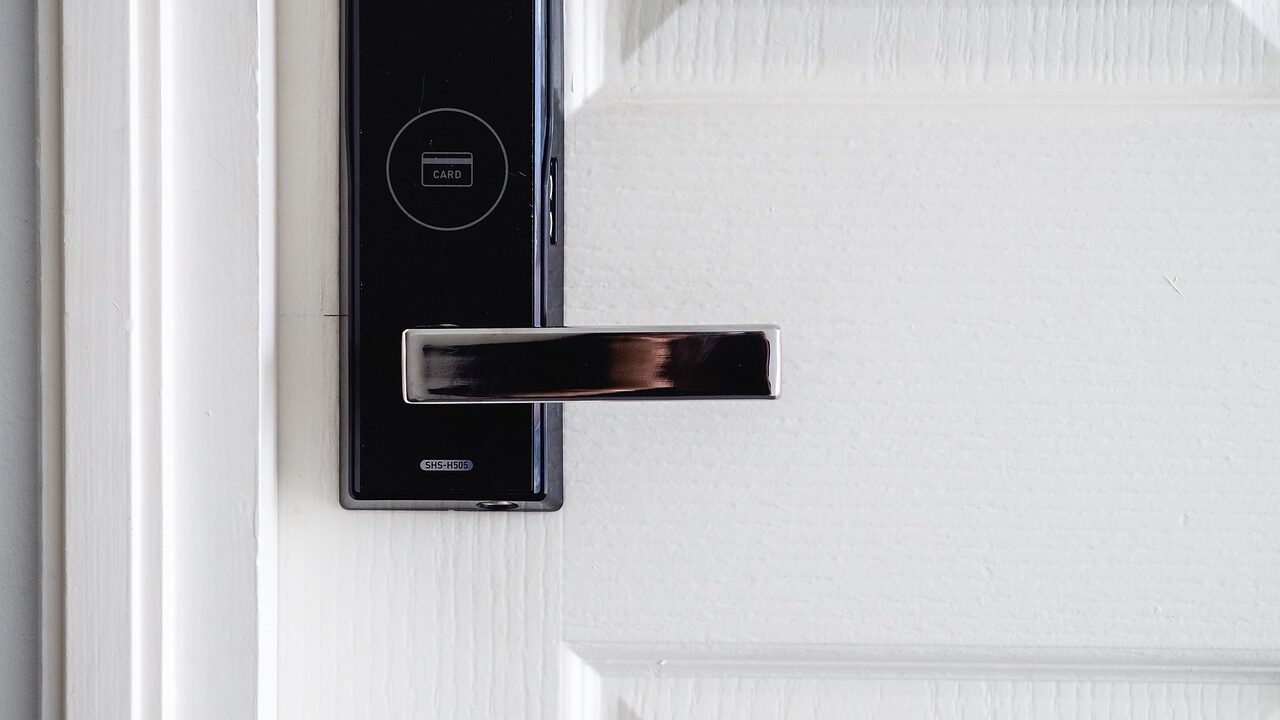
There's something magical about walking up to your door and having it unlock automatically. No digging through pockets, no fumbling with keys in the dark, no panic when you realize you locked yourself out.
Smart locks have become one of the most practical smart home upgrades. Here's what you need to know before making the switch.
How Smart Locks Work
Smart locks replace or augment your existing deadbolt with an electronic locking mechanism. They can be unlocked via:
- Keypad/touchscreen — Enter a PIN code
- Smartphone app — Unlock from your phone via Bluetooth or WiFi
- Auto-unlock — Detects your phone and unlocks as you approach
- Voice assistants — "Alexa, unlock the front door"
- Traditional key — Most smart locks still have a backup keyhole
The lock connects to your home WiFi (directly or through a hub) so you can control and monitor it remotely.
Why People Love Smart Locks
No More Keys
Keys are ancient technology with ancient problems:
- Easy to lose
- Easy to copy (without your knowledge)
- Inconvenient to share
- Can't be remotely revoked
With a smart lock, you can create and delete access codes anytime. House cleaner coming Thursday? Give them a temporary code. Kid keeps losing their key? They get a permanent code instead.
Remote Access
Lock or unlock from anywhere:
- Let in a repair person while you're at work
- Verify the door is locked after leaving
- Unlock for a family member who forgot their code
- Lock up remotely if you forgot
Activity Tracking
See who came and went:
- Know when the kids got home from school
- Verify the dog walker showed up
- Check that the door was locked overnight
- Review history if something goes missing
Guest Access
Create temporary codes for:
- House guests
- Airbnb rentals
- House cleaners
- Pet sitters
- Contractors
Codes can be time-limited (only work during certain hours) or one-time use.
Integration
Smart locks work with other smart home systems:
- Unlock when you disarm the security system
- Lock automatically when you leave (geofencing)
- Flash lights when someone enters
- Work with video doorbells for seamless visitor management
Types of Smart Locks
Retrofit Smart Locks
These replace the interior portion of your existing deadbolt:
- Example: August Smart Lock
- Pro: Keeps your existing exterior hardware and keyhole
- Pro: Easier installation (no exterior changes)
- Con: Limited features compared to full replacements
Full Deadbolt Replacement
These replace your entire deadbolt mechanism:
- Examples: Schlage Encode, Yale Assure, Kwikset Halo
- Pro: More features and styles
- Pro: Often more robust construction
- Con: More involved installation
- Con: Changes your exterior hardware appearance
Smart Lock + Keypad Combos
Most popular option — full deadbolt with integrated keypad:
- Keypad on exterior for PIN entry
- Smart features for remote access
- Backup key option still available
Smart Handles
Full handle/lock combos for doors without separate deadbolts:
- Less common for front doors
- More common for interior or garage entry doors
What to Look for in a Smart Lock
Compatibility
Not all smart locks fit all doors. Check:
- Door thickness — Standard is 1-3/8" to 1-3/4"
- Backset — Distance from door edge to lock center (usually 2-3/8" or 2-3/4")
- Existing holes — Can the new lock use your current cutout?
- Door material — Metal doors may have limitations
- Smart home ecosystem — Works with your existing setup (Alexa, Google, Apple Home)?
Connectivity
- Bluetooth only — Must be nearby to unlock via app; no remote access
- WiFi — Full remote access built-in
- Hub required — Needs a separate bridge device (like August or some Yale models)
- Z-Wave/Zigbee — Works with smart home hubs (SmartThings, Hubitat)
For most people, built-in WiFi is the most convenient option.
Power
Smart locks run on batteries:
- Most use 4x AA batteries
- Battery life typically 6-12 months
- Low battery warnings via app
- Backup key or emergency power option if batteries die
Security Ratings
Look for:
- ANSI/BHMA Grade — Grade 1 is best, Grade 2 is acceptable, Grade 3 is basic
- Encryption — 128-bit AES or better
- Auto-lock — Can set to lock automatically after a period
Features to Consider
- Auto-unlock (geofencing) — Unlocks when you arrive home
- One-touch locking — Tap to lock from outside
- Door sensor — Knows if door is actually closed (not just locked)
- DoorSense or equivalent — Alerts if door is left ajar
- Multiple user codes — How many unique codes can you create?
- Temporary codes — Time-limited access
- Activity log — History of lock/unlock events
Popular Smart Lock Options
Budget-Friendly
Wyze Lock (~$90)
- Retrofit design (keeps existing exterior)
- WiFi + Bluetooth
- Good app, basic features
- Requires Wyze Lock Gateway for remote access
Mid-Range
Schlage Encode Plus (~$250-$300)
- Built-in WiFi, no hub needed
- Apple Home Key support (unlock with iPhone/Apple Watch)
- ANSI Grade 1 security rating
- Multiple finish options
Kwikset Halo (~$200)
- Built-in WiFi
- SmartKey technology (easy re-keying)
- Good value for features
Premium
Yale Assure Lock 2 (~$200-$280)
- Sleek modern design
- Multiple module options (WiFi, Bluetooth, Z-Wave)
- Works with most smart home platforms
- Tamper-proof design
August WiFi Smart Lock (~$230)
- Retrofit design
- DoorSense technology
- Excellent app
- Auto-unlock works well
Installation: DIY vs. Professional
DIY Installation
Smart lock installation can be DIY-friendly if:
- ✅ Your existing deadbolt is a standard size
- ✅ You're comfortable with basic tools (screwdriver, maybe a drill)
- ✅ The new lock fits your existing door prep
- ✅ You can follow detailed instructions
Most installations take 15-30 minutes and require only a screwdriver.
When to Get Help
- ❌ Your door needs new holes drilled
- ❌ Your door or frame needs adjustment for proper fit
- ❌ You want it integrated with other smart home systems
- ❌ You're not comfortable with the install process
- ❌ You have non-standard door thickness or backset
What We Do
At Finally Fixed Home Services, we install smart locks and integrate them with your smart home:
- Lock selection advice based on your needs
- Professional installation ensuring proper fit and function
- App setup and configuration
- Integration with Alexa, Google Home, or Apple Home
- User code programming
- Feature explanation and training
Security Considerations
Smart locks are generally very secure, but keep in mind:
Keypad Code Hygiene
- Don't use obvious codes (1234, your birthday)
- Change codes periodically
- Delete codes when no longer needed
- Use unique codes for each person (so you know who entered)
Network Security
Your smart lock is only as secure as your WiFi:
- Use strong WiFi passwords
- Keep router firmware updated
- Consider a separate network for smart home devices
Physical Security
A smart lock doesn't make a weak door stronger:
- Ensure your door frame is solid
- Consider a reinforced strike plate
- The lock is only one part of entry security
Backup Access
Always have a backup plan:
- Physical key somewhere safe (not under the doormat)
- Secondary person with access
- Know the emergency power option (most locks have a 9V battery terminal)
Smart Locks + Doorbell Cameras = Perfect Pair
Smart locks and video doorbells work great together:
- See who's at the door, then unlock for them
- Get alerts when codes are used, see video of who entered
- Remotely let in guests you can see on camera
- Complete record of all front door activity
We install both and can set them up to work together seamlessly.
Ready to Go Keyless?
A smart lock is one of those upgrades that, once you have it, you'll wonder how you lived without it. No more hidden spare keys, no more lockouts, no more wondering if you locked up.
Contact us or call/text 720-933-3501 to discuss smart lock options for your home.
Related Posts: